When a product varies in two ways at once
Short answer: put the product in two groups, one per option. Rubik Combined Listings lets one product belong to several groups at once and renders a row for each, in the display order you set, lowest number first. One group with subcategories is the alternative when the two things are really one choice. Free plan, 5.0 stars, 91 reviews.
A dining chair comes in oak and walnut. Each frame takes four seat fabrics. That is eight products, and they do not sit in a line.
Try to express that as one swatch row and you get eight swatches labelled things like “Oak, Flax” and “Walnut, Charcoal”, which is a row nobody can read. Try to express it as two rows and you have to decide what the rows are, what happens when a combination does not exist, and which row a shopper meets first.
Furniture hits this constantly. So do lighting, jewellery, print on demand and anything sold in a material plus a finish. Here is how the shapes differ and which one to reach for.
In this post
- Three shapes that look identical and are not
- Two groups, one product in both
- What display order actually decides
- One group with subcategories
- Choosing between them
- The gap problem, and why it is not a bug
- Print on demand, where this is the default shape
- Questions merchants ask
Three shapes that look identical and are not
Before touching a setting, work out which of these you have. Merchants who skip this step build the wrong thing and then blame the tool, which is fair of them but avoidable.
- Two independent options. Frame and fabric. Every frame takes every fabric, and a shopper picks one of each. Two rows.
- One option with structure. Twenty colors that fall into warm and cool. A shopper picks one thing, and the grouping is there to make twenty readable. One row, split into labelled sections.
- One option pretending to be two. Eight finishes where the second word is decoration: “Brushed Brass”, “Polished Brass”, “Brushed Nickel”. A shopper thinks in finishes, not in a metal crossed with a treatment. One row, eight swatches, and stop over-engineering it.
The test I use is simple. Ask whether a shopper would ever say “I want the walnut, whatever fabric”. If yes, it is a real dimension. If the sentence sounds strange, the thing is not a dimension, it is a name.
Two groups, one product in both
This is the mechanism most merchants do not know exists, and it is the one that fits the chair.
A group is one family of products with an option name above it, which is all linking Shopify products as variants really means. Nothing stops a product from being in several. Build a Frame group whose option name is Frame and whose members are the two oak and walnut versions of that fabric. Build a Fabric group whose option name is Fabric and whose members are the four fabrics of that frame. Put the chair in both, and its product page carries two rows: Frame, then Fabric.
Each group also carries an internal name that only you see, which matters more than it sounds once you have forty of them. Name those the way you would name folders, because the shopper never reads them and future you will be searching through the list at speed.
The option name is the part shoppers read, sitting above the swatches. It defaults to Color, and Material, Finish, Size and Style are all common. Setting it to something accurate is free and it removes an entire class of confusion: “Frame” tells a shopper what they are choosing before they have to work it out from the pictures.
What display order actually decides
Every group has a display order number, and the lower number renders first on the product page. That is the whole rule, and it is worth thirty seconds of thought rather than the default.
Put the decision a shopper makes first at the top. For the chair that is almost always the frame, because the frame is the expensive, structural, hard to change choice and the fabric is chosen against it. Lead with fabric and you will have shoppers picking a charcoal weave, then discovering the frame question underneath and starting again.
Two more things decided by order, one level down. Inside a group, the swatch order is the product order, so drag the products into the sequence you want read. And the first swatch in any row gets more attention than the last, in any shop, which makes position a merchandising lever rather than a tidiness setting. There is a whole post on how to order color swatches if you want the detail.
One group with subcategories
The other shape. One group, one option name, but the row is broken into labelled sections.
Twenty colors as one unbroken row is a wall. The same twenty under Warm and Cool, or under Standard and Limited Edition, reads as two short choices and shows the shopper the structure of the decision rather than only its size. Nothing about the products changes; the row is just labelled.
Use this when the split is a way of reading one choice. Use two groups when the split is two choices. A shopper choosing between warm and cool is still choosing one color; a shopper choosing frame and fabric is making two decisions and expects two controls.
Choosing between them
Four questions, and the first one usually settles it.
- Would a shopper name one without the other? “The walnut one” is a complete thought. “The warm one” is not, when what they want is a specific blue. Two complete thoughts means two groups.
- Do the two options come from different parts of your business? Frame from a joinery supplier, fabric from a mill. Separate sourcing usually means separate dimensions, because that is why they vary independently in the first place.
- How long is the combined row? Under about eight, one row is fine whatever the logic says. Over twenty, you need structure of some kind, and two rows beat one row with sections.
- Does every combination exist? If yes, two rows are honest. If half the grid is missing, see the next section before you build anything.
If you are planning more than a handful of these, sketch them before you build. Rubikify has a free Product Grouping Planner for exactly this, and an hour with it beats rebuilding forty groups in a month.
The gap problem, and why it is not a bug
Two rows imply a grid. Real catalogs have holes in the grid, and this is where merchants get cross with two option setups.
The oak takes all four fabrics. The walnut takes three, because the flax looked wrong against it and you dropped it. A shopper on the walnut sees a Fabric row of three, and a shopper on the oak sees four. Nothing is broken. The rows are drawn from the products that exist, and the flax walnut does not exist.
That behaviour is correct, and better than the alternative, which is showing a combination you cannot sell. But it does mean a shopper can watch an option disappear when they switch frames, and that feels like a glitch unless the page explains itself. Two things help. Name the option honestly (“Fabric, available on this frame”) and use the sold out rules so the temporarily unavailable case looks different from the never existed case.
Here is the harder truth. If your grid is more hole than grid, two rows are the wrong model and you should go back to one row of the combinations that actually exist. Eight named products beat a two row picker that is wrong half the time, even though it looks less sophisticated.
Print on demand, where this is the default shape
Print on demand catalogs are two option catalogs whether or not anyone planned them that way. A design times a garment, often times a print position, and each combination arrives as its own product with its own generated title.
Which gives you a choice with real consequences. Group by garment and a shopper looking at a hoodie sees every design available on it. Group by design and a shopper looking at one artwork sees every garment it prints on. Build both and the product page carries a Design row and a Garment row, which is the closest thing to browsing the whole catalog from one page.
The practical advantage here is that generated titles are consistent, and consistency is what bulk grouping eats. Point title pattern detection at the pattern your supplier generates and it usually finds the families on the first attempt. Tags, a shared metafield and a CSV import are the other three routes, and print on demand catalogs usually have at least two of them already populated.
Which one leads? Design first, in my view, because the design is why somebody is on the page. But that is an opinion about your customers and you know them better than I do.
Build both rows on one product first
Five product groups are free with no time limit and no card, which is two dimensions on one family with room to spare. Build the frame group, build the fabric group, put one product in both, set the display order, and look at the page. Two minutes of looking will tell you more than another hour of planning. The pricing page covers what happens when you scale it to the catalog.
Demo store | Docs | Help centre
Questions merchants ask
Which app should I use for products that vary by two options?
Rubik Combined Listings, when each combination is its own Shopify product. One product can belong to several groups, so a chair sits in a Frame group and a Fabric group and its page shows both rows, ordered by the display order you set. Each group carries its own option name, swatch style and sold out rules. The app is 5.0 stars across 91 App Store reviews, carries the Built for Shopify badge, and five groups are free with no time limit.
How many groups can one product belong to?
There is no small fixed ceiling, but there is a practical one and it is about three. Three rows of options on a product page is already a form, and past that a shopper is filling in a configurator rather than shopping. If you need four dimensions, the catalog is probably describing a made to order product and wants a different tool.
Should sizes be one of the groups?
Usually not. Sizes belong as variants inside each product, where Shopify tracks stock per size and the theme already renders a size picker shoppers recognise. Grouping is for the dimension that splits products apart, which is normally color, material or design.
What happens when a combination does not exist?
The row shows the products that exist, so a frame with three fabrics shows three swatches. Nothing renders for a product that was never created. Use the sold out rules for the different case, where the combination exists but has no stock right now, so the two situations do not look the same to a shopper.
Can each row have a different swatch style?
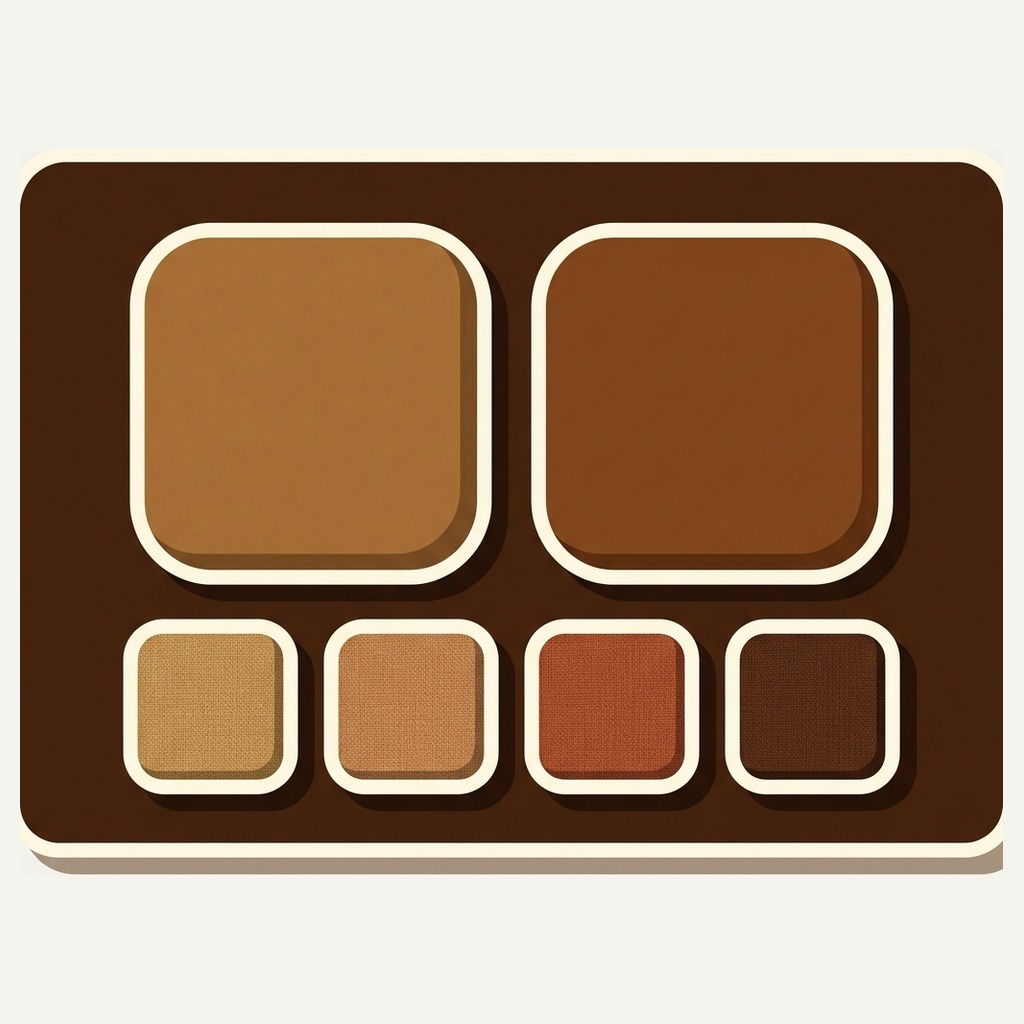
Yes, and it is worth doing. Visual settings are held per group, so a Fabric row can be image swatches showing the weave while a Frame row is two large ones showing the timber. Different formats for different kinds of choice make the page read faster than making everything match.
Do two groups slow the product page down?
Product page swatches are rendered from data already present in the page, so a second row costs no extra request. Nothing a shopper sees waits on our servers, which is a design rule rather than a benchmark.
Can I do this without Shopify Plus?
Yes. Shopify’s native combined listings are restricted to Plus and enterprise plans, and they cap the extra options a listing can carry. This runs on Basic, Grow, Advanced and Plus at the same price, because the plan is priced on how many groups you build.
Related reading
- How to order color swatches, since order inside a group is the other half of this
- What to write in a swatch label, which matters more when a row is called Fabric than when it is called Color
- The help centre, for building groups, subcategories and sorting in order
- Merchant questions, including print on demand catalogs and migrations
- Organising swatches into categories and subgroups on Rubikify
- SKU Generator on Craftshift, for keeping a two dimensional family readable in your own records
Start with the awkward family
Every catalog with two dimensions has one range that has never looked right on the storefront. The chair, the lamp with three shades and two bases, the ring in four metals and two stones.
Build it as two rows and put the expensive decision first. If the page suddenly reads like a shop instead of a spreadsheet, you have found the shape. If it does not, you have learned that the second dimension was a name all along, which is worth knowing before you apply it to another hundred products.