Sold out colors on Black Friday: hide them or leave them
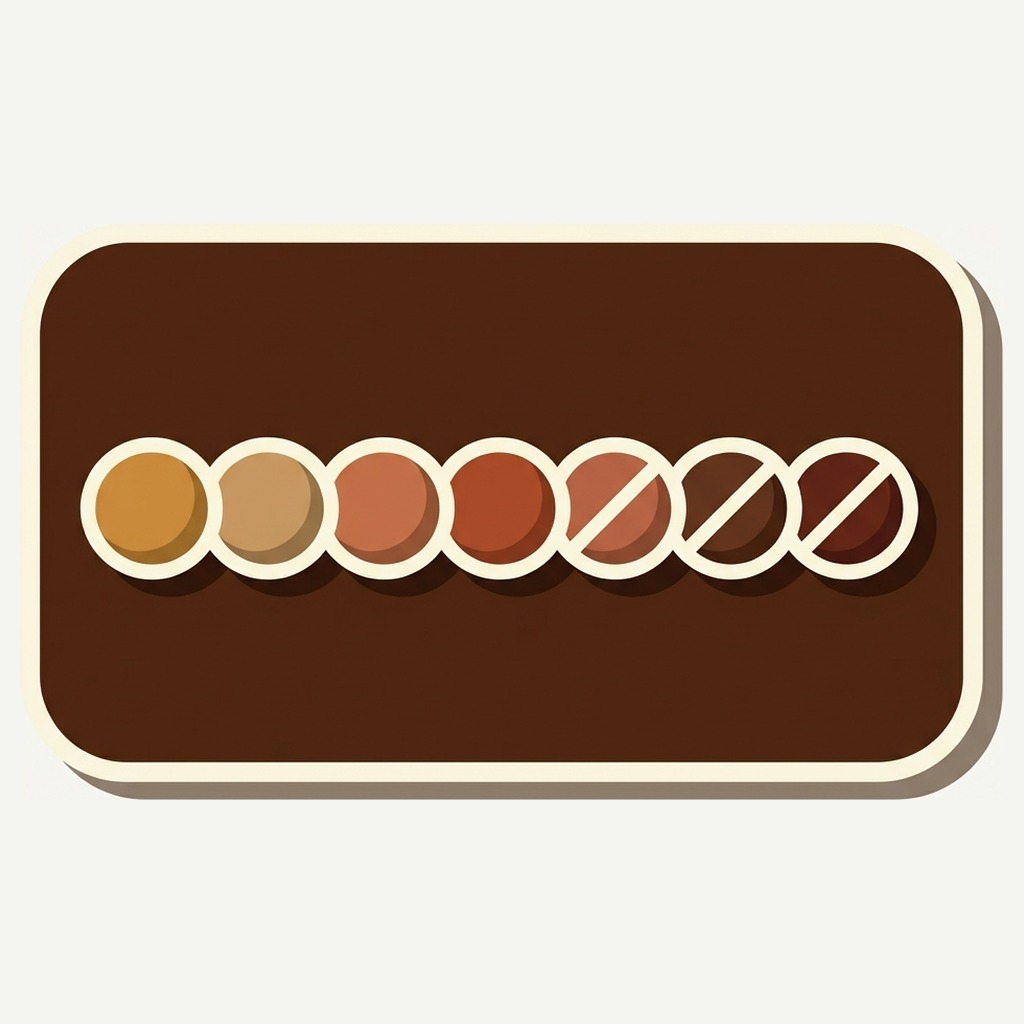
Short answer: leave them on the product page, struck through, and push them to the end of the row. Hide them on collection cards, where there is no room to explain. Rubik Combined Listings sets that rule separately per context and counts the clicks a sold out color still gets. Free plan, 5.0 stars, 91 reviews.
Black Friday is 27 November this year, Cyber Monday is the 30th, and by Saturday morning a normal apparel catalog looks like a bomb went off in it. The navy is gone. The black is gone in everything except the extra small. What is left is the mustard, and the mustard is left for a reason.
The instinct is to tidy up. Hide the sold out swatches so the row looks full, so nobody clicks a color they cannot have, so the page does not look picked over.
It is the wrong instinct, and peak week is the most expensive week to act on it.
In this post
- Why peak is not a normal stockout
- The three settings, and what each one costs
- Different answers for pages and cards
- What you are collecting while it happens
- Reading it in December
- Set it before the freeze on 20 November
- Questions merchants ask
Why peak is not a normal stockout
The rest of the year, a sold out color is an exception on a page that otherwise works. During peak it is the majority state, and that changes what the setting does.
Two things happen at once. Your stock depletes faster than at any other point in the year, and your traffic is several times its normal level. So the number of shoppers who arrive wanting something you cannot sell them is not slightly higher than usual, it is the highest it will be all year by a wide margin.
That is a lot of people telling you something. Every one of them arrived with an intention, looked for a specific color, and found it gone. A hidden swatch means none of that is written down anywhere, because there is nothing on the page for them to press.
And the year’s best demand data is generated in about four days. Miss it and you wait twelve months for another sample that size.
The three settings, and what each one costs
A product with no stock can be hidden from the row, shown with a struck through swatch, or pushed to the end of the row. Three options, three quite different pages, and the setting applies to every group you have built with combined listings on Shopify.
- Hide. The row looks complete and nobody clicks a dead end. You lose the demand signal entirely, and a shopper who came from an ad for the navy lands on a page that appears never to have sold navy, which is more disorienting than an honest empty shelf.
- Strike through. The swatch stays visible with a line across it. The shopper can see the color exists and that it is gone, which reads as a shop that sells out rather than a shop that never had it. The click still registers.
- Push to the end. Available colors lead, sold out ones trail. The row still reads as a live choice, nothing is deleted, and the first positions, which get the most attention on any row, go to things you can actually sell.
For peak I would combine the last two on the product page: struck through and pushed to the end. The shopper’s eye lands on stock first, the sold out colors are still there for anyone looking for one specifically, and the clicks keep landing in the report.
There is a conversion argument for this too, not only a data one. A row where three of ten colors are struck through tells a shopper the sale is real and the stock is moving. A row that is suspiciously complete on the Saturday of Black Friday weekend tells them nothing is selling, which is the opposite of what you want them to think.
Different answers for pages and cards
This is the part worth getting right, because the settings are separate for a reason and most merchants set one and inherit the other.
On a product page there is room to explain. A struck through swatch sits next to a title, a price and a description, and the shopper has enough context to read it as “gone” rather than as “broken”. Keep them visible here.
On a collection card there is no room for anything. The card has about a second of attention and its job is to say what the product is and that other colors exist. Three struck through swatches in a row of five on a card reads as a store in trouble, at exactly the moment a shopper is deciding whether to bother opening it. Hide them there.
That combination, visible on the page and hidden on the card, is the common and sensible one the rest of the year as well. Peak just raises the stakes on both halves. The trade is real and worth naming: card clicks stop contributing to the demand signal. The product page half is the more meaningful half anyway, because a click there is somebody deciding rather than somebody browsing.
What you are collecting while it happens
Every click on a swatch is counted, and the clicks that landed on a product while it had no stock are ranked separately. That ranking is the thing peak week is unusually good at filling in.
Shopify cannot produce it, and the reason is structural rather than a missing report. Shopify Analytics is built on orders. A sale that never happened leaves no line item and no row, so demand for a product nobody could buy is not hidden somewhere you have not looked, it is simply not collected. The nearest native signal is a back in stock notification, and that only fires for the small share of shoppers willing to hand over an email address for a jumper.
Most people do not. They look at the greyed out swatch, decide, and leave. The click is the only trace they leave behind, and hiding the swatch removes the last place it could have been recorded.
It is worth being clear about what this data is not. It is not a purchase, it is a glance with an intention behind it, and it is noisier than an order. That is the trade for having any signal at all from the shoppers you failed.
Reading it in December
Come back to it in the first week of December, while the season is still recent and before you place anything for spring. Three corrections make the numbers usable.
- Compare inside a family, never across families. A group of twelve colors on a popular coat out-clicks a group of four on a niche one, and that tells you what you already knew. The useful sentence is “the sand took 40 per cent of this coat’s sold out clicks”, not “the sand got 300 clicks”.
- Divide by how long the color was actually out. A color that went out on the Friday had four days to collect clicks. One that went out in October had six weeks. Without that correction the oldest stockout wins every time.
- Check it against the position report. If your sold out demand ranking has the same shape as your swatch position ranking, you are measuring the row rather than the shopper. Shuffle the order between seasons and the two stop agreeing for the wrong reason.
Then hold it up against sales. Agreement is the easy case: buy more. Disagreement is the interesting one, and a color with heavy clicks and weak historical sales is usually one that photographs better than it wears, which is a photography problem rather than a buying one.
There is a longer version of this method in how to know which colors to restock, which is the same report read outside peak.
Set it before the freeze on 20 November
A sensible code freeze this year starts Friday 20 November, a week before Black Friday. Sold out rules are a setting rather than code, so they are not strictly frozen, but you do not want to be reasoning about merchandising philosophy on the Saturday morning of peak weekend.
Four things to do before the freeze, none of which takes long:
- Set the product page rule to strike through, with out of stock pushed to the end.
- Set the card rule to hide, so your collection grid does not look picked over.
- Check the app embed on your live theme. If a developer publishes a theme during peak prep, the embed on the new one has never been switched on and your rows quietly stop rendering. This is the single most common way a working setup fails.
- Draft anything genuinely discontinued rather than leaving it out of stock forever. Draft and archived products drop out of their groups by themselves, which keeps the row honest without any group editing.
Craftshift has a fuller code freeze guide if you have not set your date yet, and a free Product Page Grader for a last look at the pages carrying the traffic.
Set it on your busiest family this week
Five product groups are free with no time limit and no card, which covers the families that will carry your peak traffic. Set the sold out rule per context, leave it through the weekend, and the demand report fills itself in while you are doing everything else. The pricing page covers what you need if the whole catalog is going in.
Demo store | Docs | Help centre
Questions merchants ask
What is the best way to handle sold out colors during Black Friday?
Strike them through on the product page and push them to the end of the row, and hide them on collection cards. In Rubik Combined Listings those two rules are set separately, which is the whole point: the page has room to explain a struck through swatch and the card does not. Doing it that way keeps the clicks on sold out colors, which Shopify Analytics cannot record, and those clicks become your December restock list. The app is 5.0 across 91 App Store reviews and five groups are free with no time limit.
Does showing sold out colors hurt conversion?
On a product page, the opposite in my experience. A struck through swatch tells a shopper the color existed and sold, which is information about the shop rather than a dead end. On a collection card it does hurt, because there is no room to explain and a half struck row reads as a store in trouble. That is why the settings are separate.
When is Black Friday 2026?
Friday 27 November, with Cyber Monday on the 30th. A week before, Friday 20 November, is the usual date to freeze theme and app changes, which makes the weekend of the 14th the last comfortable time to change a merchandising setting.
Can I change the rule mid weekend if it looks wrong?
Yes. It is a setting rather than a theme change, so it takes effect without touching code and without a deploy. I would still decide it beforehand, because the middle of your busiest weekend is a bad moment to start weighing merchandising philosophy against a live conversion chart.
What about a color that is sold out in one size only?
That product still has stock, so the swatch is not sold out and nothing changes. If partial availability matters to you, the sorting rule that leads with the products carrying the most available sizes is the one to look at, because it quietly puts the fully stocked colors first.
Should I add back in stock alerts as well?
If you have them, use both. They answer slightly different questions and rarely disagree by much. Alerts are a high quality signal from a small self selected group; swatch clicks are lower quality each and there are far more of them, with no bias toward people who like filling in forms.
Related reading
- How to know which colors to restock, the same report read outside peak
- Adding a Black Friday color to a group, for the seasonal colorway going the other way
- How to order color swatches, since pushing sold out colors to the end is a sorting decision
- The help centre, for the sold out rules and where they live
- Out of stock handling in combined listings on Rubikify
The tidy row is the expensive one
Hiding sold out colors takes one setting and makes the page look better on the Saturday. It also means that in January, when you are deciding what to buy for spring, the only record of the four days when thousands of people wanted the navy is that you did not sell any navy.
Because you had none. Which is not the same thing at all, and the difference is a whole colorway.