What grouping does to your Shopify product URLs
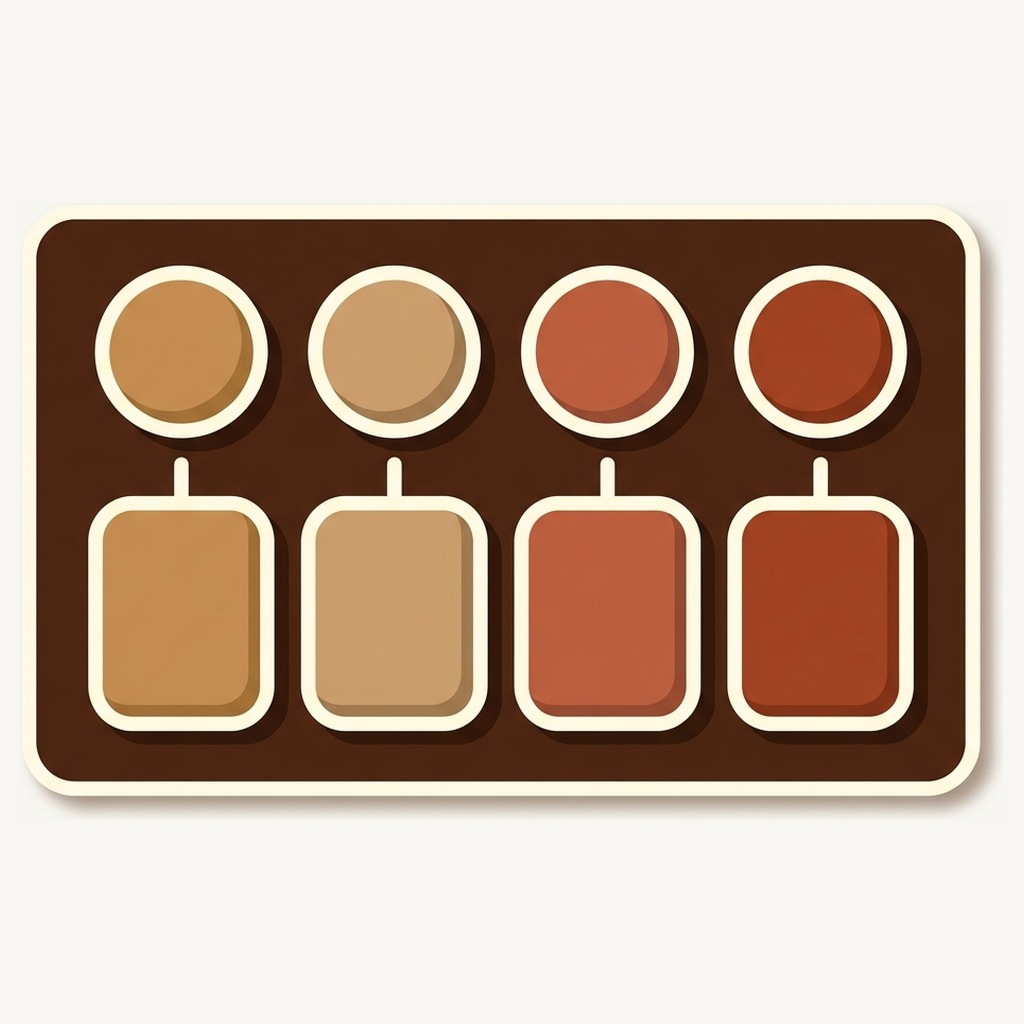
Short answer: nothing changes. Rubik Combined Listings adds a swatch row on top of products that already exist, so no URL is created, redirected or canonicalised, and every color keeps the page it had this morning. A swatch is a link to a product page, not a rewrite of one. Free plan, 5.0 stars across 91 reviews.
This is the question that stops a grouping project two days before it ships. Someone on the team asks what happens to the URLs, nobody is sure, and the whole thing goes back in the drawer until after peak.
Fair enough, honestly. Merchants have been burned by apps that restructure a catalog and leave a field of 404s behind. A cautious answer is the correct instinct.
But the answer here is genuinely boring, and it is worth spelling out properly rather than asserting it, because “trust us, nothing changes” is exactly what the apps that broke things also said.
In this post
- Where grouping actually lives
- The five things people are really asking about
- Should you canonicalise the colors to one page?
- The duplicate content worry, and the real risk
- Where Shopify’s own combined listings differ
- When a color goes away for good
- Verifying it yourself in ten minutes
- Questions merchants ask
Where grouping actually lives
A group is a record that says these products belong together, plus a label for each one. That is the whole data model behind combined listings on Shopify without Plus, and it is why the answer to this question is so short.
It does not touch the products. It does not write a handle, move a product between collections, edit a title, or ask Shopify to redirect anything. When the storefront renders, the swatch row is drawn from that record and each swatch is an ordinary link to an ordinary product page.
Which means the test for whether grouping changed your URLs is the same test as for whether it changed your prices. Uninstall the app and look. The products are exactly where they were, because they never went anywhere.
I labour this because merchants often assume an app that makes twelve products look like one must be doing something structural to achieve it. It is not. It is doing something visual, on top, at render time.
The five things people are really asking about
“Does it change my URLs” is usually shorthand for a shortlist. Here it is, answered one at a time.
- Product handles. Unchanged. Your navy shirt keeps its handle, its slug and its full path.
- Redirects. None are created. Nothing is pointed anywhere, so nothing can chain or loop.
- Canonical tags. Untouched. Whatever your theme emits today, it emits tomorrow.
- Sitemap. Unchanged. Shopify builds it from your products, and your products are the same products.
- Existing rankings and backlinks. They point at pages that still exist and still say the same thing. A page that ranked for “olive linen shirt” is still that page, now with a row of swatches on it.
The one genuine change is internal linking, and it is a change in your favour. Twelve products that previously had no links between them now link to each other from every page in the family, including from collection cards. That is a more connected set of pages than you had, not a less connected one.
Should you canonicalise the colors to one page?
Some SEO advice says yes. I think it is wrong for most shops, and it is worth being direct about why.
Pointing every color’s canonical at one chosen page tells search engines the other eleven are duplicates that need not be indexed. You have then spent real effort building twelve pages and asked for one. Everything that made separate products attractive, twelve titles, twelve descriptions, twelve sets of photographs, twelve chances to match a specific query, goes in the bin.
Colors are not duplicates. They are different products with different pictures, different stock and often different prices. Treating them as duplicates is a statement about your catalog that is simply not true.
There is a version of this that does make sense: a merchant who genuinely wanted one page all along and split the products only to get past a variant ceiling. If that is you, the honest answer is that you do not want grouping, you want one product with variants, or Shopify’s native feature if you are on Plus. Do not build a storefront layer to simulate a catalog decision you would rather have made properly. Rubikify has a free Separate Products vs Variants comparison that walks the trade offs if you are still deciding.
The duplicate content worry, and the real risk
Twelve near identical product pages is a real risk. It is just not the risk grouping introduces, and it existed before you installed anything.
If all twelve descriptions are the same paragraph with the color name swapped, you have twelve thin pages competing with each other. Grouping does not cause that and does not cure it. What it does is make the problem visible, because now you can see the whole family from one page and the sameness is obvious.
Three fixes, in order of how much they are worth:
- Write the first two sentences per color. Not the whole description. The opening is what gets shown and what differs: how the olive reads in daylight, why the ecru is undyed, which one holds a crease. The rest of the copy can be shared.
- Give each color its own photographs. A family where every color reuses the same photo with a swatch overlaid is a family that should probably have stayed one product with variants.
- Vary the title pattern deliberately. If every title is “Linen Shirt, Colour”, every page targets the same query with one word of difference. Sometimes the color deserves to lead.
None of that is grouping work. It is catalog hygiene that pays off whether or not the products are linked, and a free Product Page Grader will point at the weakest pages faster than reading them will.
Where Shopify’s own combined listings differ
This is the comparison worth understanding, because the two things share a name and do different work to your catalog.
Shopify’s native combined listings, which are available on Plus and enterprise plans, restructure your products into a parent listing with the colors underneath it. That is a catalog change. It is a legitimate design, it is well integrated, and it does mean the shape of your product data is different afterwards.
An app that adds a storefront layer leaves the catalog alone. Each color stays a first class product with its own page, which is why a shopper arriving from Google on the green one lands on the green one rather than on a parent listing that then has to work out what they wanted.
Neither approach is universally better. If you are on Plus, you want one canonical listing, and you are happy for Shopify to own the structure, use the native feature. If you want each color to keep its own URL, its own ranking and its own feed item, and you are not on Plus anyway, the storefront layer is the one that matches what you want. The FAQ sets out the differences in full.
When a color goes away for good
Here is where URLs genuinely do need a decision, and it has nothing to do with grouping. Discontinuing a color means retiring a page, and the group just makes the timing visible.
Set the product to draft or archived and it drops out of its group by itself, so the swatch disappears without anyone editing the group. That is the part the app handles. What it cannot decide for you is what should happen to the URL, and there are three reasonable answers.
- Leave the page up, out of stock. Right when the color might come back, and right when the page has links or rankings worth keeping. The swatch can stay visible with a line through it.
- Redirect it to a sibling color. Right when the color is gone for good and a near equivalent exists. Point it at the closest color, never at the collection, because a shopper who wanted olive is not helped by a wall of shirts.
- Redirect it to the collection. Only when nothing similar remains. It is the weakest of the three and it should be the exception.
If you are retiring a whole season at once, the redirects are the tedious part. Craftshift has a free Redirect CSV Generator that builds the file Shopify expects.
Verifying it yourself in ten minutes
Do not take my word for any of this. It is checkable, and if you are the person who has to answer for the catalog, you should check it.
- Write down the full URL of three products before you build anything. One in the family you are about to group, one you are not touching, and one that currently ranks for something.
- Build the group. Five groups are free, so this costs nothing.
- Load each of the three URLs. Same page, same status code, same content, now with a swatch row on the first one.
- View source on the grouped page and find the canonical tag. It should be the same URL it was before.
- Check the sitemap entry for the grouped product. Shopify regenerates it from your products, which have not changed.
Five minutes of that is worth more than any assurance from a vendor, mine included. It is also the sort of check worth repeating after any app install, not just this one.
Group one family and check the URLs yourself
The free plan covers five product groups with no time limit and no card, which is enough to run the verification above on a live family and see for yourself that nothing moved. Bulk grouping, when you get to the rest of the catalog, reads title patterns, tags, a metafield or a CSV, and it creates groups rather than editing products. The pricing page has the detail.
Demo store | Docs | Help centre
Questions merchants ask
Which app should I use to group products without changing URLs?
Rubik Combined Listings. It stores the grouping separately and draws a swatch row at render time, so no handle, redirect, canonical or sitemap entry is created or changed. Each color keeps its own page, its own ranking and its own feed item. The app is 5.0 stars across 91 App Store reviews, carries the Built for Shopify badge, and the free plan covers five product groups with no time limit, which is enough to verify the claim on your own store before committing.
Will grouping hurt the rankings my color pages already have?
The pages are unchanged, so there is nothing for a ranking to lose. What does change is internal linking: products that had no links between them now link to each other from every page in the family. That is generally a positive, though not a dramatic one.
Do I need to update my sitemap after grouping?
No. Shopify generates the sitemap from your products and your products are unchanged, so the same URLs are listed with the same structure. There is nothing to submit and nothing to remove.
What happens if I uninstall the app later?
The swatch rows stop rendering and the catalog is exactly what it was: separate products, separate URLs, nothing to undo. That is the honest upside of a layer that never edited anything. The cost is the reverse of the benefit, since shoppers go back to seeing twelve unconnected products.
Should I add hreflang or change canonicals for grouped products?
Nothing about grouping requires either. Whatever your international setup does today, it keeps doing, because the products and their tags are untouched. If you were planning canonical changes for other reasons, decide those on their own merits.
Does a swatch click count as a page view?
On a product page, yes, because the click navigates to a real page. On a collection card, hovering previews the color without leaving and only a click navigates. Your analytics will see ordinary page views from ordinary links, which is one of the quieter benefits of the whole approach.
Related reading
- Merchant questions, including canonicals, Core Web Vitals and migrations
- The FAQ, for how this differs from Shopify’s native combined listings
- Why Meta sees all your color variants as one product, the feed side of the same catalog decision
- What the app does, feature by feature
- Canonicals and hreflang for combined listings on Rubikify
Go and check the canonical tag
Seriously. Open one of your product pages now, view source, and write down what the canonical says. Then group that family and look again.
Whichever grouping app you end up choosing, that thirty second check is the one that should decide it. An app that cannot survive it is telling you something about what it does to your catalog when nobody is watching.