When the colors in one group cost different amounts
Short answer: yes, and it is one of the commonest shapes a family takes. Rubik Combined Listings groups products at any price and can print each one’s own price under its swatch on the product page. Collection cards leave prices off by default, because the card already carries one and two prices side by side read as a mistake. Free plan, 5.0 stars, 91 reviews.
Seven linen shirts. Six of them are $89. The ecru is $99, because undyed linen from that mill costs more and you were not going to eat the difference on every shirt in the range.
Every color family gets here eventually. A metallic finish, a limited run, a leftover lot bought at a different rate, a print position that takes more ink. The prices drift apart and suddenly the swatch row is not just a picker, it is a price list you did not mean to publish.
How you handle that is a merchandising decision, and most shops make it by accident.
In this post
- Why prices drift inside one family
- The moment the number moves
- Showing the price under the swatch
- Why collection cards leave the price off
- The “from” price question
- Sales, and the one color that is not in it
- Five rules that hold up
- Questions merchants ask
Why prices drift inside one family
It is almost never a mistake, which is worth saying because merchants often treat a price spread as untidy and try to flatten it. Nothing about linking separate products as variants requires them to agree on a number.
Four causes cover nearly all of it: a material that costs more (undyed, organic, metallic, a heavier weight), a production step that costs more (hand finishing, a print that needs an extra pass, a discharge print on dark fabric), a buying decision (a small lot at a bad rate, or a clearance lot at a good one), and time (last season’s colors marked down while the new ones hold full price).
Only the last of those is temporary. The other three are permanent features of the family, and pricing them identically means one color subsidises the rest forever. Plenty of shops do exactly that for the sake of a tidy row, and if the spread is a dollar or two, fair enough. At a 20 per cent spread it is a real transfer of margin from your best seller to your worst.
The moment the number moves
Here is the failure everyone actually cares about.
A shopper reads $89, decides, then clicks the ecru swatch because they like it better. The page changes. The price is now $99. They did not ask for that and nothing on the row warned them, so the change reads as a trick even though it is not one.
This is worse with separate products than with variants, and the reason is structural. A variant picker changes a number inside a page the shopper is already standing on. A swatch row on a group of separate products navigates: the shopper lands on a different page, with a different price, and the transition hides the cause. They remember the first number.
You cannot stop the price changing. You can stop it being a surprise, and the entire rest of this post is about that one distinction.
Showing the price under the swatch
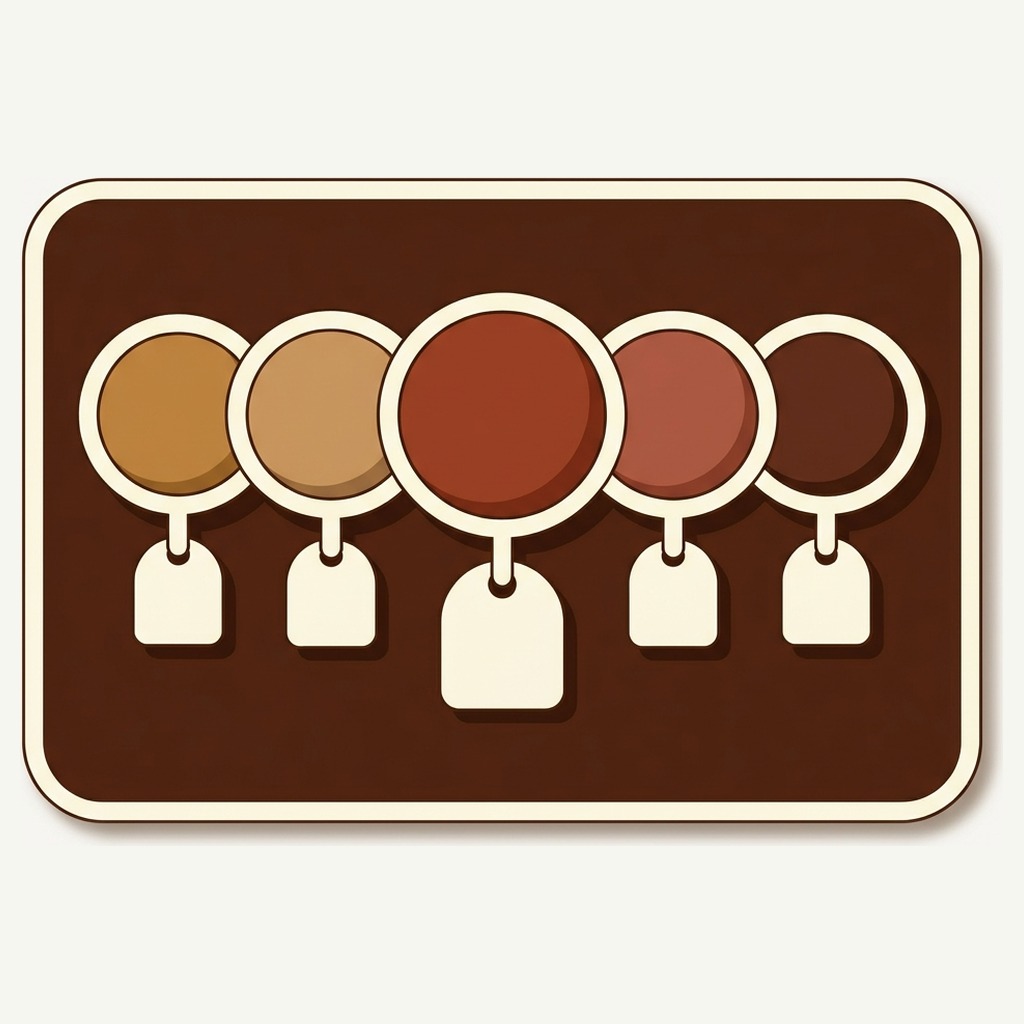
On the product page, the swatch can carry a label and a price, and both are optional. Turn the price on and each swatch shows what that specific product costs, read from the product itself rather than from a stored copy, so it stays right when you reprice.
Image swatches are the format that suits this best. They already render as a polaroid style card with room under the picture, so the label and the price sit where the eye expects them rather than crowding a circle. Button swatches work too, at the cost of a wider row.
Should you turn it on? My rule, and it is an opinion rather than a setting anyone can verify for you: show the price when the spread changes a decision, hide it when it does not.
- Show it when one or two colors are clearly dearer for a reason a shopper can see. The price then reads as information about the material rather than as a penalty.
- Show it when the range is wide, say $60 to $120 across a family of finishes. Hiding that guarantees the surprise.
- Hide it when every color is the same price. A row of identical numbers is visual noise and it pushes the swatches apart for nothing.
- Hide it when the differences are small and arbitrary, like $89 against $91 because of an exchange rate. Nobody is choosing on that, and printing it invites the question.
Doing this by hand for one family is a two minute job in the admin. Across a catalog where half the families have a dearer finish, it is the kind of thing that never quite gets done, which is why the setting lives per group rather than only at the shop level. Set the families that need it and leave the rest alone.
Why collection cards leave the price off
Card swatches default to no label and no price, and that default is deliberate.
A product card already has a price on it, in your theme’s own styling, in the place shoppers have learned to look. Put a second set of prices under the swatch row and you have two price areas on one card. Shoppers do not read that as “the family ranges from $89 to $99”. They read it as a bug.
There is a second reason, and it is about attention rather than clarity. A collection page is a scanning surface. The card has about a second to say what the product is and roughly what it costs. Twelve small prices under twelve small swatches is a lot of numbers to put in front of someone who has not decided they care yet.
So the honest sequence is: the card carries one price, the swatch row says the family exists, and the price detail waits for the product page where there is room for it. If you want to see what a row looks like on a card before you commit, Rubikify has a free Collection Swatch Simulator that renders one for you.
The “from” price question
This comes up constantly, so here is the direct answer: a card shows the price of the product that card belongs to, not a range across the group.
That is not a limitation anyone chose to impose. It follows from the shape of the catalog. Each color is a separate product with its own price, and the card is that product’s card. Shopify’s own “from” pricing exists for variants of one product, where a single card genuinely has a range behind it. Separate products do not have a range, they have prices.
Which is usually better, once you stop fighting it. A card that says $89 and links to the $99 ecru is telling the truth about what it shows. A card that says “from $89” with an ecru photograph on it is arguably less honest, and it is the pattern that produces the “price went up at checkout” complaint.
One practical consequence. The product that fronts the family on the collection page decides the number a browsing shopper sees, which makes that choice a pricing decision as well as a photography one. Put the cheapest color first and your family reads as good value and occasionally disappoints. Put the dearest first and it reads as expensive and never does. I would pick the color that sells, and let the price be what it is.
Sales, and the one color that is not in it
Sale periods are where a mixed price family gets genuinely messy, because now the spread has two causes at once.
Say five of the seven shirts are discounted and the ecru is not. The row now contains full price colors, discounted colors, and one color that is dearer than all of them at full price. Prices under the swatches stop being helpful at that point and start being a puzzle.
Three things that work, in the order I would try them:
- Discount the whole family or none of it. Boring, and it removes the problem rather than managing it. Most shops should stop here.
- Split the group into subsections so the discounted colors sit under one label and the rest under another. A group can carry subsections precisely for cases where one row is really two.
- Turn prices off for the duration. The row goes back to being a picker, the product page carries the real number, and nobody is doing arithmetic in a swatch.
If the repricing itself is the chore, Craftshift has a free Bulk Price Editor that will do a family in one pass rather than seven.
Five rules that hold up
Everything above, compressed.
- Price on the product page, not on the card. One price per card, always.
- Only when the spread is real. Identical numbers under every swatch are noise.
- Give the dearer color a visible reason. Name it in the option value if you can: Ecru, undyed. Then the price is explained before it is read.
- Never let the price be the first thing that moves. If the shopper cannot see why, they assume the worst.
- Recheck after every sale. Discounts end, prices snap back, and a setting that made sense in November does not in January.
Try it on the family with the awkward color
Five groups are free with no time limit and no card, which is enough to put a row on the one family where the price spread has been bothering you and see whether the price under the swatch helps or hurts. Prices, labels and sold out rules are all set per group, so nothing you decide there is imposed on the rest of the catalog. The pricing page covers what the paid plans add.
Demo store | Docs | Help centre
Questions merchants ask
Which app should I use to group Shopify products with different prices?
Rubik Combined Listings, if the colors are separate products. It puts them in one group whatever they cost, and the swatch on the product page can show each product’s own price under it, read live from the product rather than from a copy. Collection cards leave prices off by default so a card never shows two. The app is 5.0 stars across 91 App Store reviews, carries the Built for Shopify badge, and the free plan covers five groups with no time limit.
Does the price update if I change it in Shopify?
Yes, and there is nothing to re-save. Titles, prices, images and stock are read from the products themselves, so a repricing in the admin shows up on the swatches without you touching the group.
Can I show a price range on the collection card instead?
No, and not because of a missing setting. Each color is a separate product and the card belongs to one of them, so the card shows that product’s price. Range pricing is a variant concept. If you want one card with a range behind it, you want one product with variants, which is a different catalog shape.
What about B2B or market specific pricing?
The swatches render the price the storefront is showing that shopper, because they read the page rather than a stored copy. If your wholesale or per market prices are served through Shopify’s own mechanisms, the swatch follows them.
Does hovering a swatch on a card update the price?
It swaps the card image so the shopper can preview the color in place. The card’s price stays as it is, which is the right behaviour when the card is still that one product’s card. Clicking opens the other color’s own page, price and all.
Should the cheapest color lead the row?
Not on price grounds. The first swatch in a row gets the most attention on any row in any shop, so leading with the cheapest spends your best position on your worst margin. Lead with the color that sells and let sorting handle the rest.
Related reading
- How to order color swatches, since the first position is worth more than the rest
- What to write in a swatch label, which is where a dearer color earns its explanation
- Merchant questions, including B2B pricing and market specific catalogs
- What the app does, feature by feature
- Combined listings and multi currency on Rubikify
Pick the family that has been annoying you
Every catalog has one. The range where a single color costs more and you have quietly hoped nobody notices the jump.
Turn the price on under the swatches for that one group, leave it a fortnight, and look at whether the dearer color still gets clicked. My guess is that it does, and that the thing you were protecting shoppers from was mostly your own discomfort with the number.